Set up your business page
Choose the customer details you want to request, such as name, phone number, and email. Then share your business QR code.
 QR to Customerby Texarkana Computer, LLC
A simpler way to stay connected
A simple way to connect to customers with your personalized QR code.
Simple monthly pricing. No long-term contract.
How it works
Make it easy for customers to reach you, wherever they find your QR code.
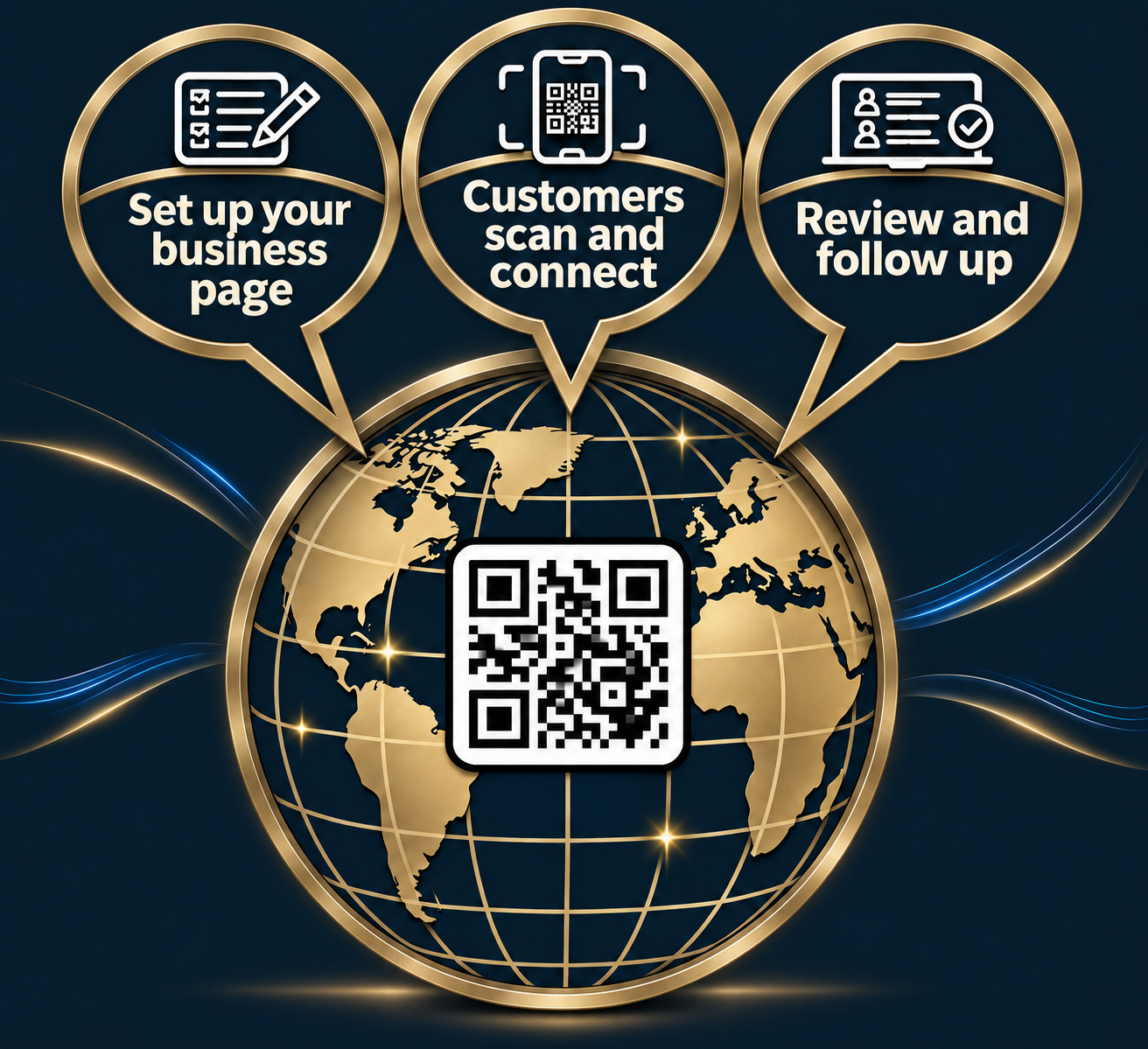
Choose the customer details you want to request, such as name, phone number, and email. Then share your business QR code.
Customers scan your business QR code, open a mobile-friendly customer intake form, and submit their contact information in a few simple steps.
Review QR code lead generation submissions in your business workspace, manage or export your customer contacts, and follow up while the conversation is fresh.
Designed for real conversations
Use a business QR code form across your storefront, printed materials, events, or online presence. This QR code customer information form gives people a straightforward way to share the details your business needs and helps you capture leads from QR code scans.
See subscription detailsFlexible customer intakeChoose fields for your QR code sign-up form, customer registration form, or contact collection form.
Organized lead managementUse your QR code customer database to review submissions and manage follow-up.
Simple tools for small businessManage customer information and submissions in one workspace.
Straightforward pricing
Start with a 7-day free trial. Then $19.95/month, with usage pricing after the included amount. Cancel at any time.
$19.95/ month
7-day free trial, then $19.95/month · Cancel at any time
Sign up for the planUp to 100 customer submissionsShare a QR code and collect submitted contact details.
Additional submissions: $0.10 eachFor completed submissions beyond the first 100 in a billing month.
Business owner workspaceManage your customer page and review incoming contacts.
Usage is counted per completed customer form submission. Subscription checkout and billing will be enabled when payment setup is complete.
Questions and answers
Learn how QR to Customer helps businesses collect and organize new contacts.
QR code lead capture lets a customer scan a code, open a mobile form, and share contact details with your business. QR to Customer stores completed submissions in a business workspace for follow-up.
Create a customer intake form with the details you want to request, such as name, phone number, and email. Share the business QR code on signs, business cards, flyers, or online so customers can open your QR code contact form.
QR to Customer gives each business a customer information collection form connected to its QR code. Configure the details your form requests and use it as a QR code customer registration form or lead capture form.
Submissions appear in the business owner workspace, where you can review customer contacts and follow up. It provides simple QR code lead management and customer submission management software for everyday business use.
Yes. It is designed for small businesses that want an online customer intake form, a QR code sign-up form for customers, and a simple way to capture and organize contact details from scans.
Ready to make the next connection?
Start with one simple monthly plan and a clear usage allowance.